










Create and follow registrations while preserving capacity, pass and waitlist consistency.
Before you start
- Confirm the event, pass type and sessions.
- Search the shared attendee before creating new data.
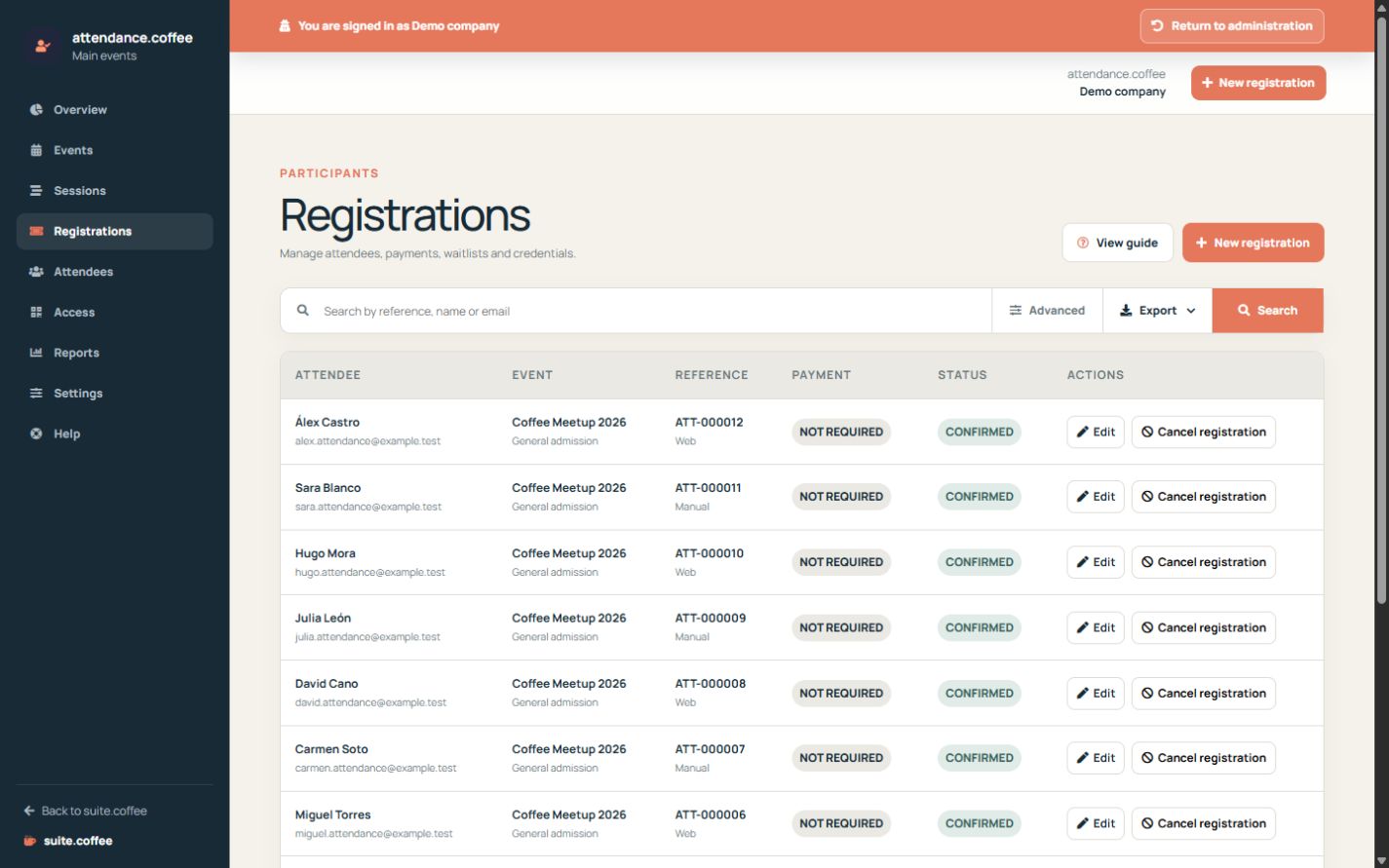
Registration status
Confirmed registrations consume capacity and receive a valid pass. When capacity is full and the waitlist is enabled, new requests remain waiting.
Manual registration
Use New registration for invitations or registrations received outside the public page. Select the attendee, pass type and sessions.
Cancellations
Cancelling releases capacity. Attendance can promote the oldest eligible waitlisted registration automatically.
Step by step
- Open Registrations and search first.
- Create a manual registration when it arrived outside the portal.
- Select event, pass, attendee and sessions.
- Review confirmation, waitlist and payment state.
- Cancel only when required and confirm that capacity and pass update.
Final check
- No attendee identity was duplicated.
- Confirmed places and sessions have capacity.
- Cancelled registrations no longer grant access.
Tip: A recorded payment state is operational evidence; Attendance does not charge or refund money.