










Use the shared attendee directory to find a person and understand participation across registrations.
Before you start
- Search by name or email.
- Confirm the identity before relying on its history.
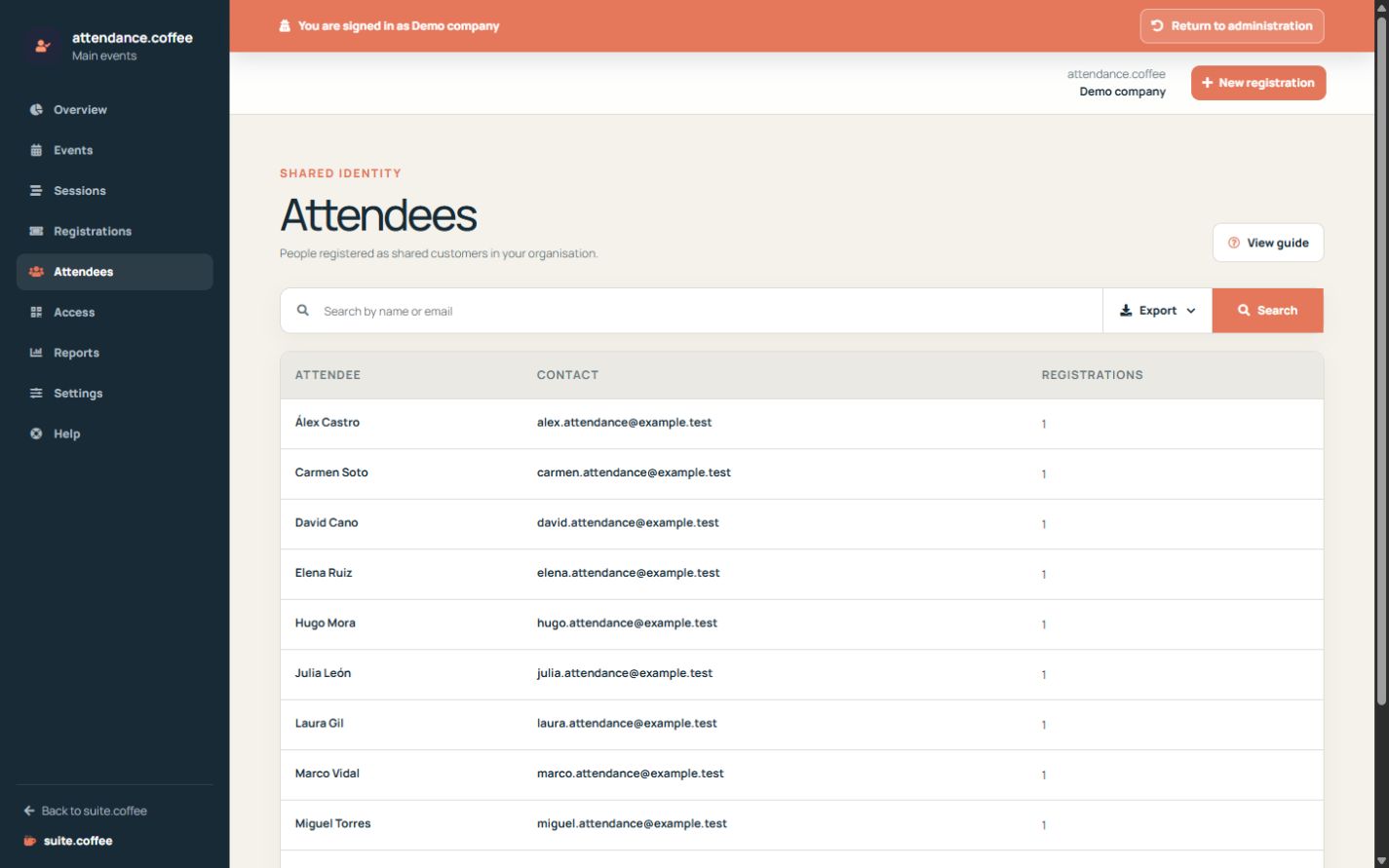
A shared person record
The attendee list groups people independently of a single registration. Use it to locate contact details and review their participation history.
Changing an attendee affects the shared record, so verify the person before editing it.
Step by step
- Open Attendees.
- Search by name or email.
- Review contact details and registration count.
- Open the relevant registration for operational changes.
- Correct shared identity data only after verification.
Final check
- The selected person is the intended identity.
- History is read in the context of its event.
- Changes do not create a duplicate customer.
Tip: Registration state belongs to each event; the attendee record is shared.