










Structure talks, workshops or time slots inside the correct event without overbooking them.
Before you start
- Create the parent event and venues.
- List required and optional activities.
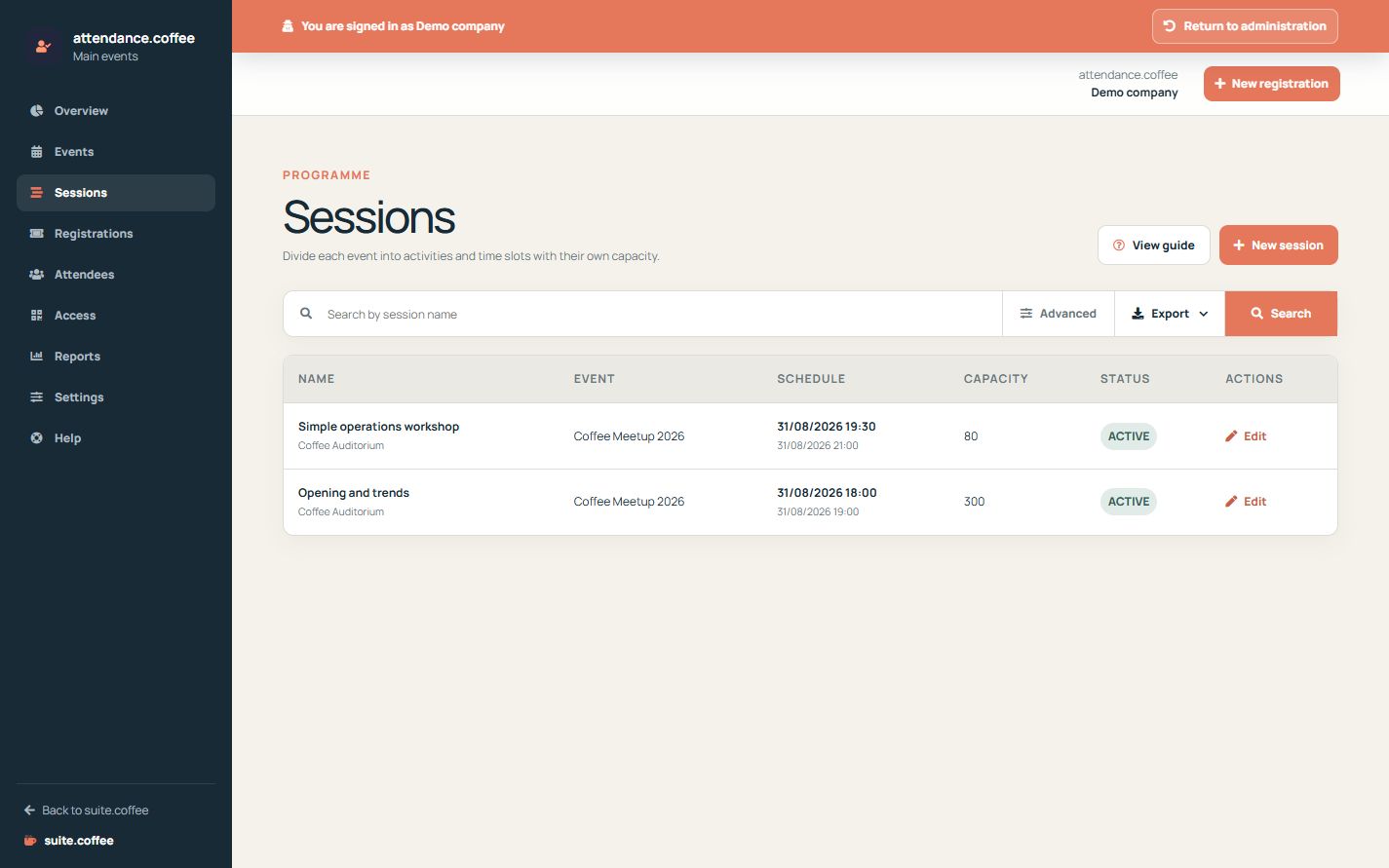
Add sessions
Use sessions for talks, workshops or time slots inside an event. Each session can have its own venue, dates and capacity.
Required or optional
A required session applies to every registration. Optional sessions are selected during registration and must respect their available capacity.
Step by step
- Open Sessions and create a session.
- Choose the parent event and venue.
- Enter name, description, start and end.
- Set capacity and whether every registration requires it.
- Save and verify optional sessions on the public page.
Final check
- The schedule fits inside the event.
- Capacity reflects the activity space.
- Required and optional behaviour is intentional.
Tip: Use separate sessions only when programme selection or capacity needs independent control.