










Compare registrations with validated access to understand real attendance in a defined event scope.
Before you start
- Choose the event or overall scope.
- Confirm that access operations have been recorded.
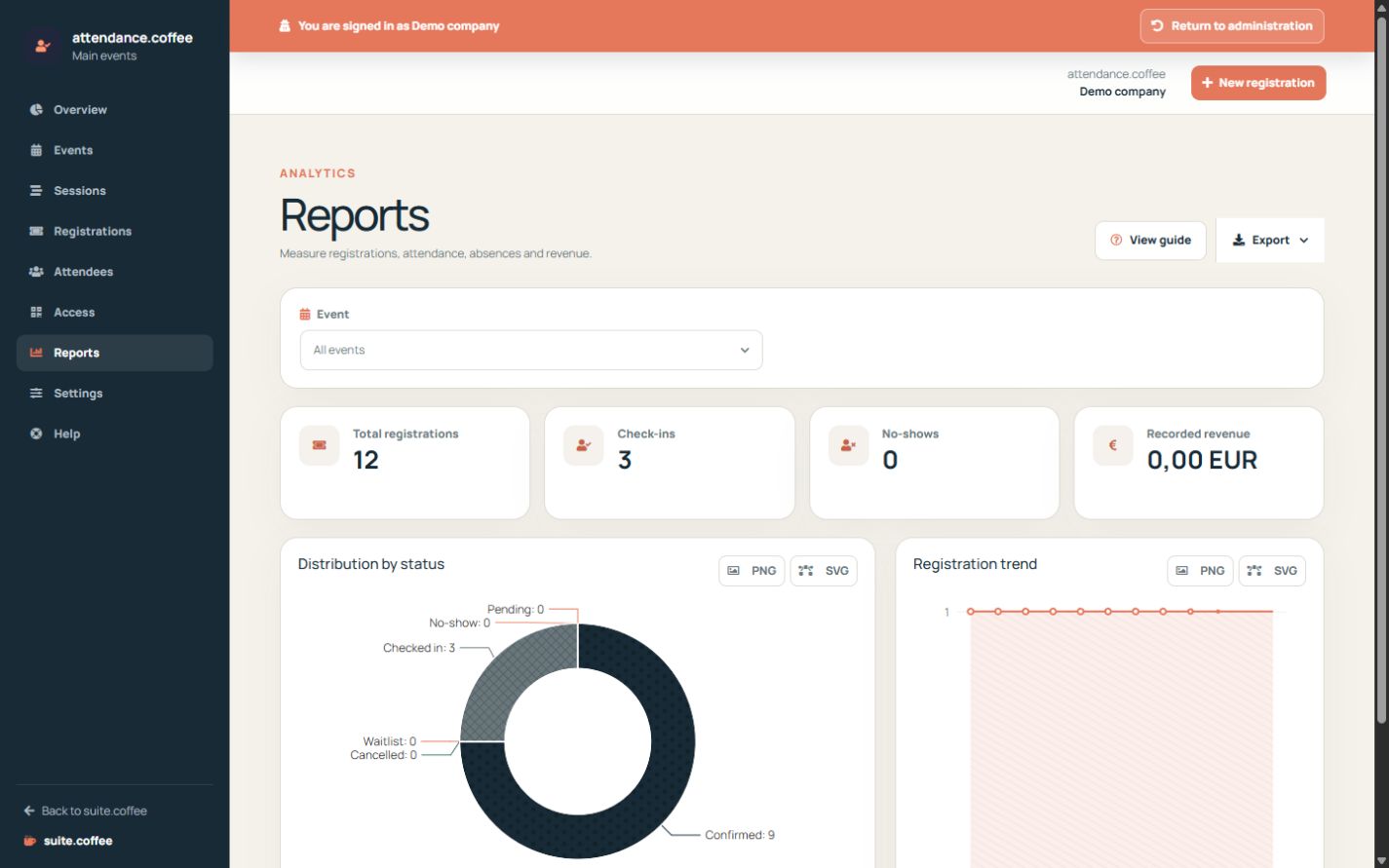
Use operational reports
Reports distinguish registered, confirmed, waiting, cancelled, present and absent people. Compare registrations with access records to understand real attendance.
Export the current view
Apply the relevant filters before exporting. Exports preserve the selected scope and are available in the formats offered by the list.
Step by step
- Open Reports.
- Select the event scope.
- Compare registrations, check-ins and no-shows.
- Review status distribution and registration trend.
- Export the supported filtered data when needed.
Final check
- The selected event is correct.
- Access logs support attendance conclusions.
- The export is understood as a point-in-time copy.
Tip: Recorded revenue is operational information and does not replace billing, accounting or bank reconciliation.